PhotoSync - wirelessly transfers your photos and videos 1.7.1(¥170)

カテゴリ: 写真/ビデオ, ユーティリティ
現在の価格: ¥170(サイズ: 14.5 MB)
販売元:
touchbyte GmbH - touchbyte GmbH
リリース日: 2011/02/18


iPhone/iPadの両方に対応
現在のバージョンの評価:


(3件の評価)
全てのバージョンの評価:
(124件の評価)
What’s New
► Support for the 4"-display of iPhone 5 and iPod touch 5th. Generation
► Optimizations for iOS 6
► Support for "Shared Photostreams"
Note: The minimum required iOS Version for PhotoSync is now 4.3.
New in version 1.7:
► SkyDrive Support
You can now upload your photos/videos to SkyDrive. PhotoSync lets you also create new folders on SkyDrive before upload.
► iOS 6 Support
► Privacy-Settings Support for Facebook
PhotoSync let's you specify more privacy options, when you create new Facebook albums
Fixes & Improvements:
- Improved compatibility with PhotoStream
- The sort order of photos/videos for the option "Oldest First" is now correct
- Improved transfer reliability on wi-fi networks with poor reception



 Description
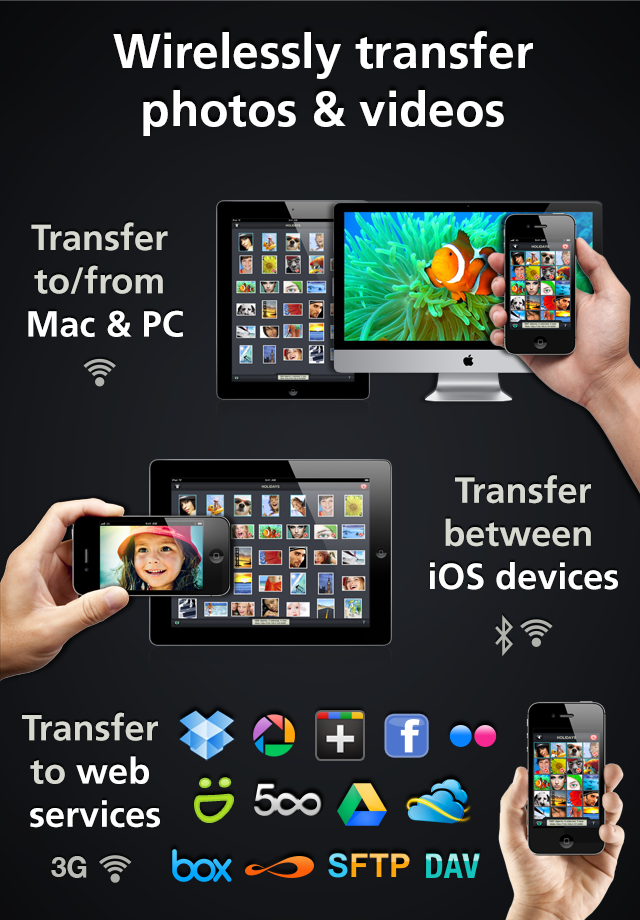
PhotoSync will transform your photo handling forever. It‘s the first app that makes wireless transfer of your photos/videos from or to your computer and other iOS devices - a breeze. PhotoSync also transfers to Dropbox, Picasa/Google+, Facebook, SmugMug, 500px, Flickr, Box, Zenfolio, (S)FTP, WebDAV, SykDrive & Google Drive. You need never use a cable again!
► Simple transfer
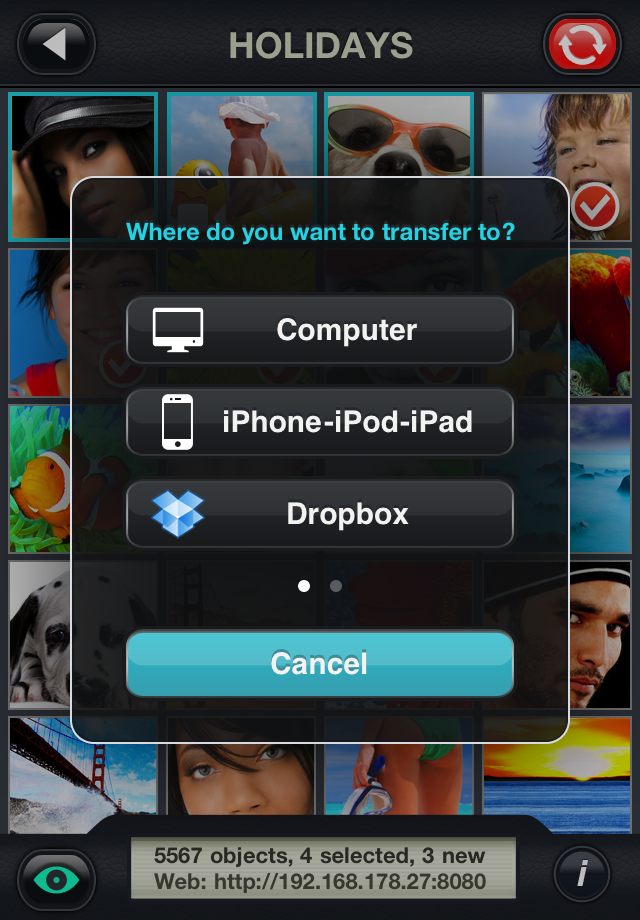
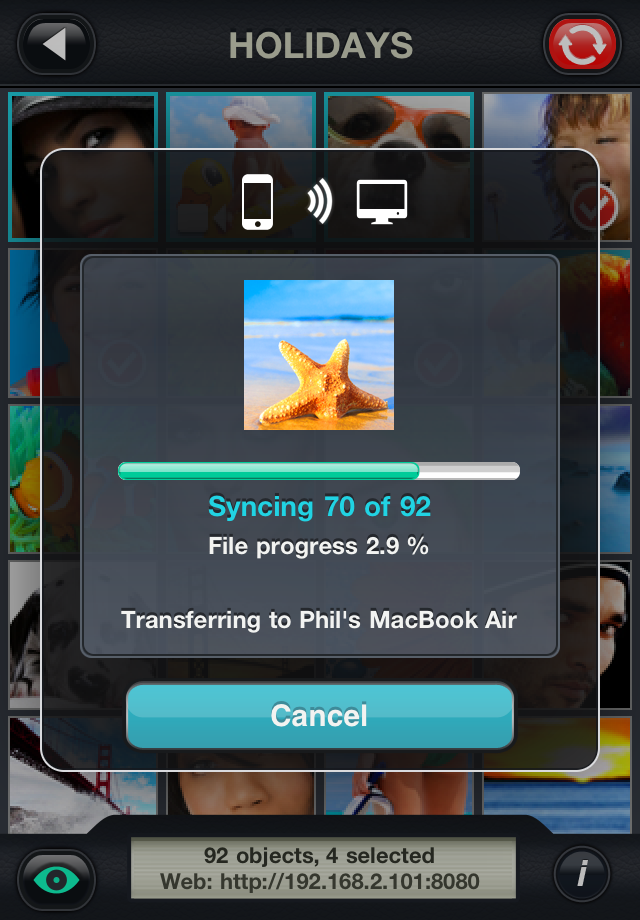
Just select, choose target and you’re done. No need to be in front of your computer or entering IP-addresses! Sending will continue in the background – even if you receive phone calls or are playing your favorite games.
► No limitations
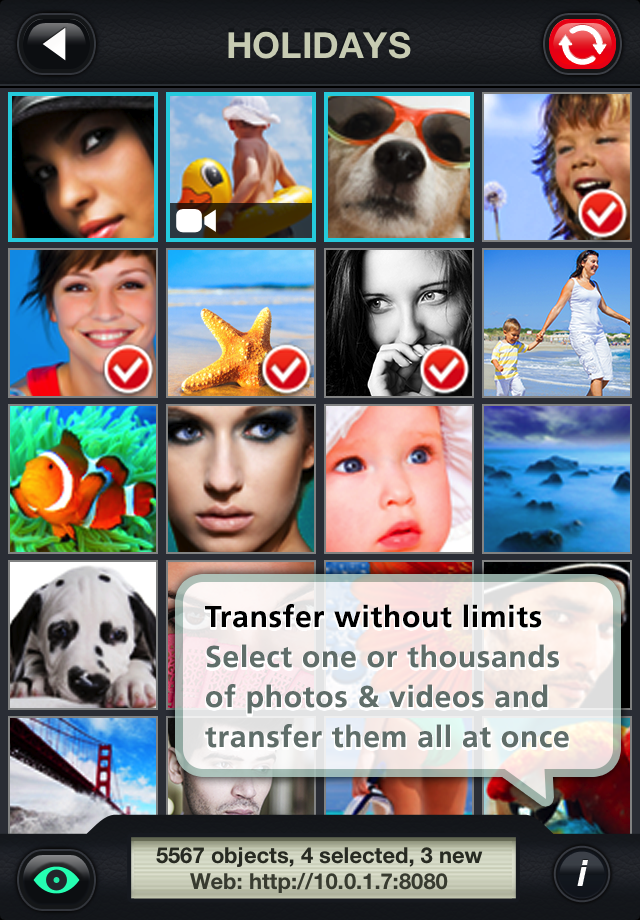
One or thousands of photos/videos from your last trip – you can transfer them all at once.
► Smart
PhotoSync keeps track of your actions and notes which photos/videos have already been transferred from your camera roll.
► Quick Transfer Mode
Quick Transfer is the ultimate time saver!
Quick Transfer allows you to set a default computer (or other service) in the settings and then just transfer all new/selected pictures to this default computer/service by pressing and holding the sync button.
► Direct exchange between iPhone and iPad
Buy once and use PhotoSync on all your iPhones, iPod touches and iPads. PhotoSync is optimized for direct transfer between your devices over Wi-Fi and Bluetooth – no computer needed.
► Direct import into Aperture & iPhoto / sending by drag & drop (Mac)
Download the free PhotoSync companion software for your Mac.
Drag photos/videos onto the PhotoSync icon and they are transferred to your device in seconds - without iTunes.
► Access by Web-Browser
Wi-Fi access to your photos/videos wherever you are – from any computer on the same Wi-Fi network by just opening a web-browser!
View your photos on a big screen, download selected photos/videos or upload photos/videos to your device - a great feature when at friends!
► Share on the go - Dropbox, Picasa/Google+, Facebook, 500px, SmugMug, Flickr, Box, Zenfolio, (S)FTP, WebDAV, SkyDrive & Google Drive.
Show your photos/videos to friends, family and the world by uploading them to Dropbox, PIcasa/Google+, Facebook, 500px, SmugMug, Flickr, Box, Zenfolio, SkyDrive & Google Drive.
Use the (S)FTP feature of PhotoSync, if you want to save your photos/videos to a NAS device.
► Quicklook mode
Click on the "eye-icon" and view all your photos/videos directly in the app - no need to quit it!
NOTE:
For best transfer experience and performance, we recommend installation of the free PhotoSync Companion Software available at http://www.photosync-app.com for Mac and Windows computers.
ATTENTION:
Location Services need to be enabled, otherwise PhotoSync is unable to access your Photo-Library. PhotoSync does not determine your current location nor save or transmit it.
TECHNICAL DETAILS:
- Compatible with iPhone, iPod Touch, and iPad. Requires iOS 4.3 or later
- Supports transfer directions: Device to Computer (Wi-Fi), Computer to Device (Wi-Fi), Device to Device (Wi-Fi & Bluetooth), Device to Web Services (Wi-Fi & 3G)
- All Exif data, GPS data, and file date is preserved for photos/videos in the Camera Roll
- Full support for RAW images and photos/videos imported with iPad Camera Connector
- Requirements for FREE Mac-Companion: Mac OS X 10.5 or higher (Intel and PPC supported)
- Requirements for FREE Windows-Companion: Windows XP SP 2 or higher, Windows Vista or higher, Windows 7
- Web Browser access requires modern browsers with JavaScript-Support enabled
- Transfer rate up to 2.5MB/sec (depending on device and network)
- 3rd party services require a user-account for that service
PR
